01
Multi-client organization workspace
Organizations, clients and projects follow the boundary an agency already manages, so one client's work stays inside that client's project.
What the product does
An organization holds the clients you are accountable for. Each client holds its own projects, and a project keeps that client's connected accounts, drafts, approvals, assets and publishing history together.
01
Organizations, clients and projects follow the boundary an agency already manages, so one client's work stays inside that client's project.
02
Connect Facebook, Instagram, LinkedIn, X and Google Business accounts to the project they belong to, subject to each platform's account and API requirements.
03
Place drafts and approved posts on one calendar that shows every client, every channel, and what happens next.
04
Read a post the way each platform will render it, before anyone approves it.
05
Pending, approved and rejected are recorded states, so publishing is a decision someone made rather than an assumption.
06
Generate a first pass for one post or a whole campaign, then edit and approve it on the same path as anything written by hand.
07
Keep generated and uploaded imagery with the client project it was made for.
08
See what was generated, what was published, and who moved the work forward.
Inside the workspace
Each view is a faithful representation of a Marketing Hub screen, redrawn for this page with invented organizations and figures. Nothing here is a live capture, and no client, person or account record is shown.
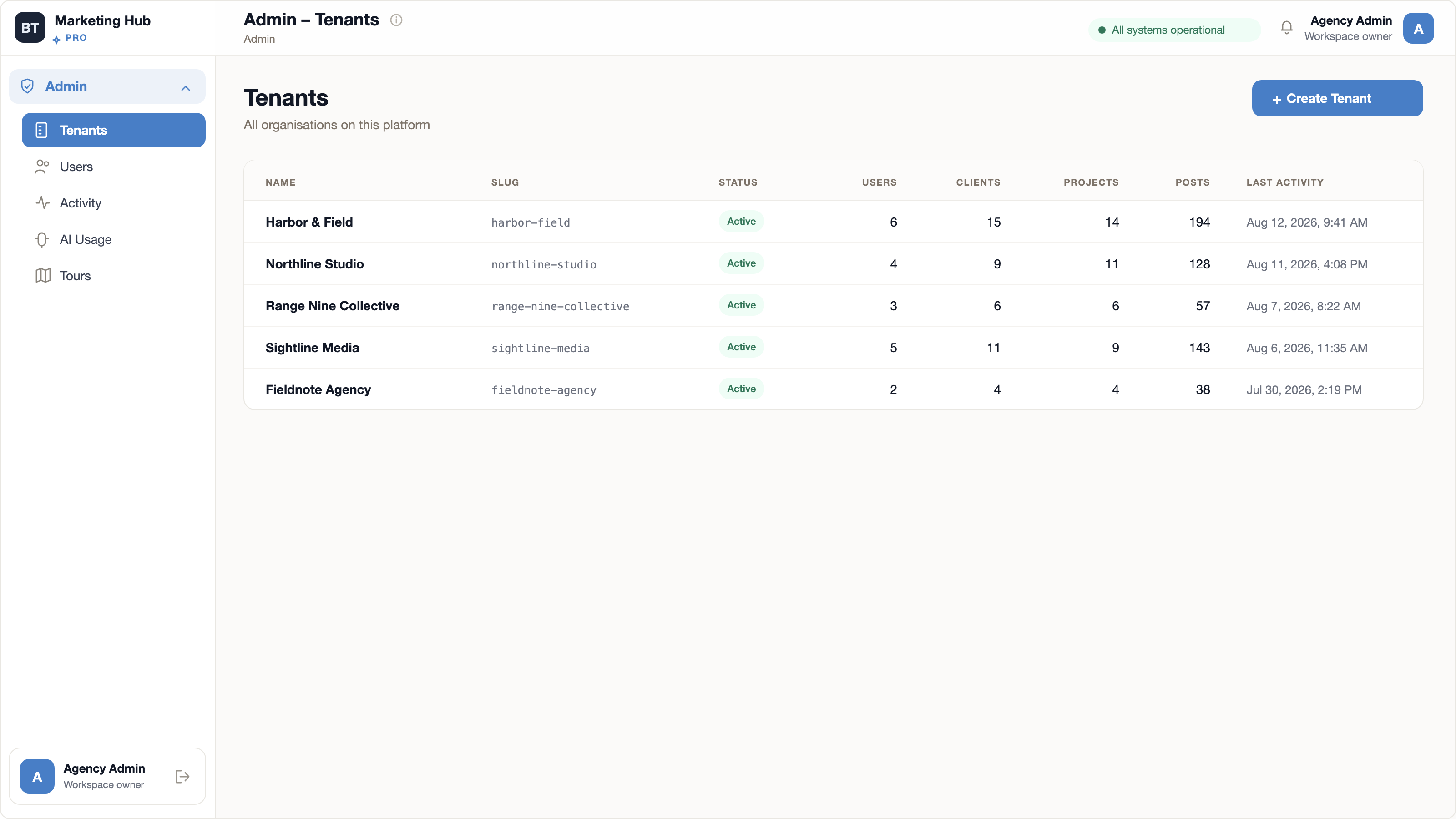
One row per organization, with the people, clients, projects and posts it holds and when it last did something. This is how a portfolio is measured inside the platform, and how one agency's work stays separate from another's.
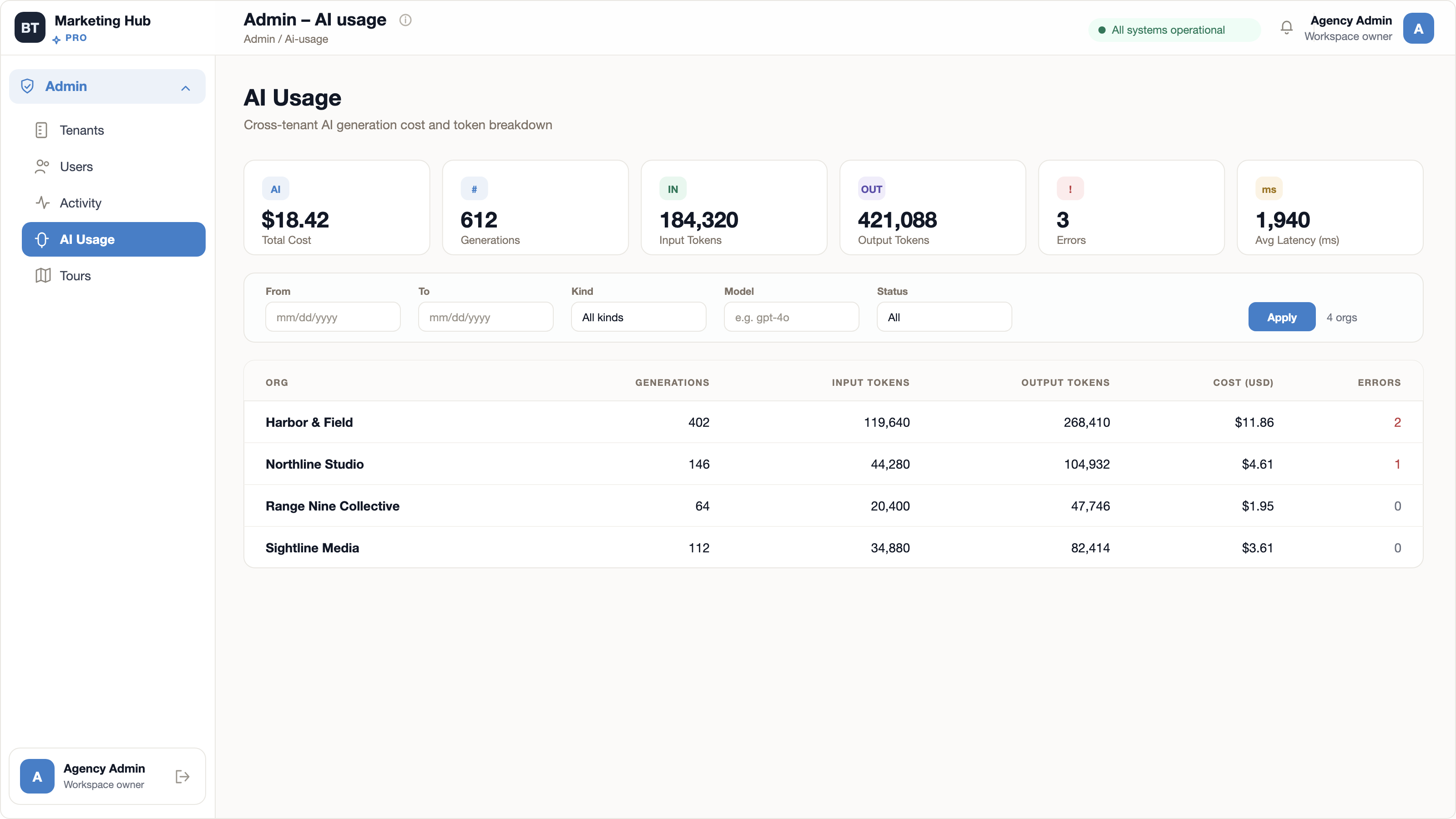
Cost, generations, input and output tokens, errors and average latency, filtered by date, kind, model and status, then broken down per organization. Assistance is a recorded line item rather than an invisible feature.
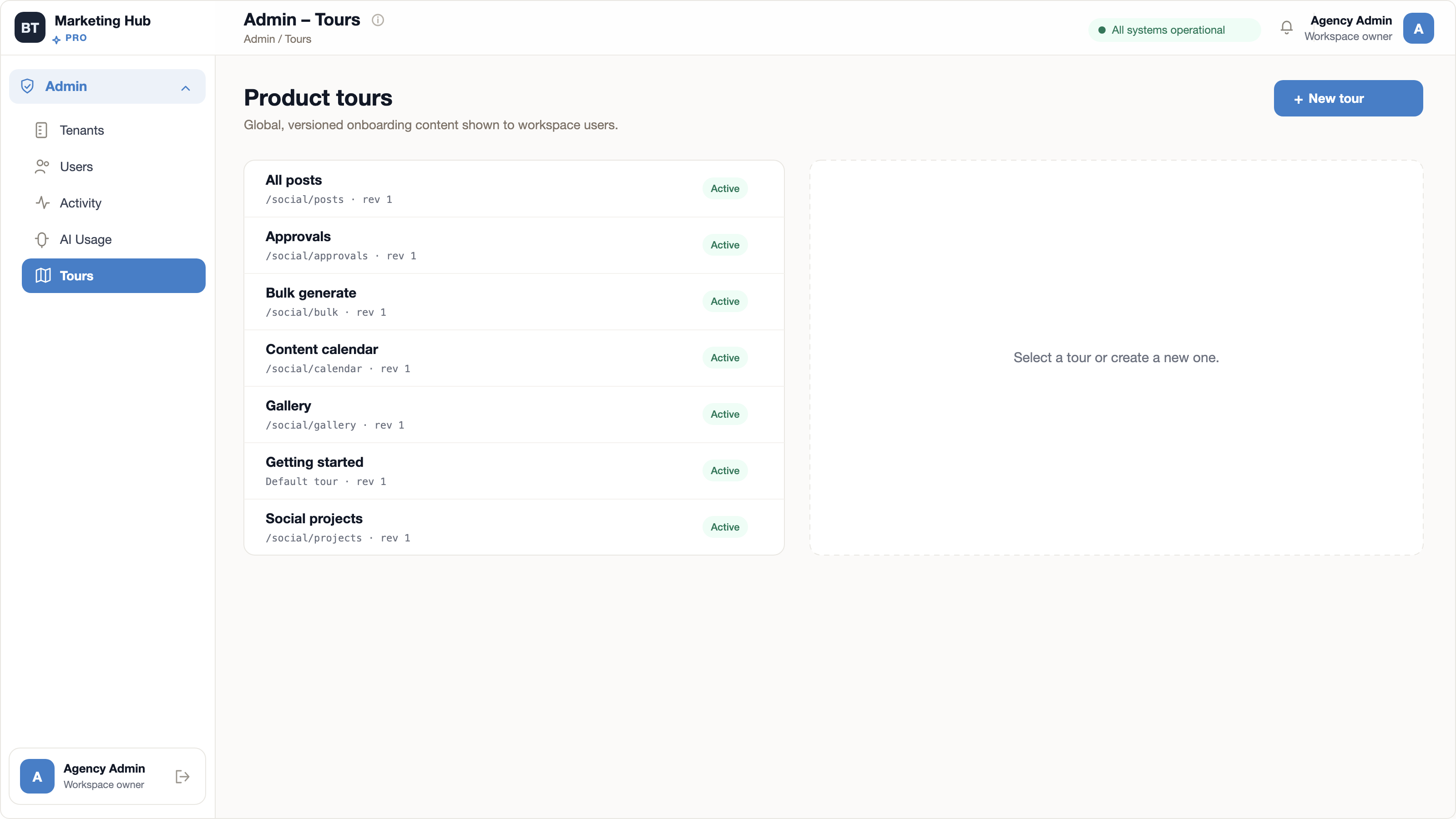
The onboarding tours the platform ships name its working surfaces: posts, approvals, bulk generation, the content calendar, the gallery and social projects. Each is versioned and pointed at the route it explains.
The publishing path
AI can accelerate the first pass. People still control the brief, the edit, the approval, the timing and the final destination.
Choose the project, format, connected channels, and campaign intent.
Write directly, or generate captions and campaign imagery with AI.
Inspect platform-specific previews and revise before the post moves forward.
Keep pending, approved and rejected decisions in one accountable queue.
Place approved content on the cross-client calendar and follow what happened after it went live.
Common questions
The current platform supports Facebook, Instagram, LinkedIn, X, and Google Business connections, subject to each platform's own account and API requirements.
Projects organize each client's connected accounts, posts, gallery, status, and performance context inside the agency's own workspace, so work is scoped to the client it belongs to.
No. Generated captions and images enter the same draft, preview, approval, scheduling, and publishing path as content written by a person.
This site explains the product, presents the offer, shows sanitized representations of the application's own screens, and links to Marketing Hub. Marketing Hub creates users and organizations, verifies email, takes payment, and decides what a subscription includes. It holds no account state of its own.
Account creation, email verification, payment, and billing management all happen inside Marketing Hub. Nothing you enter there is handled by this site.
Next command
Human approval before publishCreate your Marketing Hub account and set up the first client project. Account creation, payment and billing are handled inside the application.
Create your account